
FileJoker Premium Review 2026 – Our Real-World Test
Last updated: October 2026. Tested on a 500 Mbps home connection.
We didn’t just read FileJoker’s sales page and repeat it. We bought a Premium plan, ran it against a free account, and timed everything ourselves. Here’s what we found — screenshots included.
Quick Verdict – Is It Worth It?
What Premium removes:
- The 90–120 second wait before every download
- Captcha puzzles on every file
- Speed throttling — you get full speed instead
- Lost progress when a download breaks
What free users deal with:
- Roughly 100 KB/s, even on fast connections
- No resume, no download manager support
- Just 50 GB of storage and very little traffic
- A captcha and a timer, every single time
Our take: if you download large files, use JDownloader or IDM, or just hate waiting around, Premium pays for itself fast. If you grab a small PDF once a week, the free tier still works — just slowly.
The Free Account Experience (and Why It’s Rough)
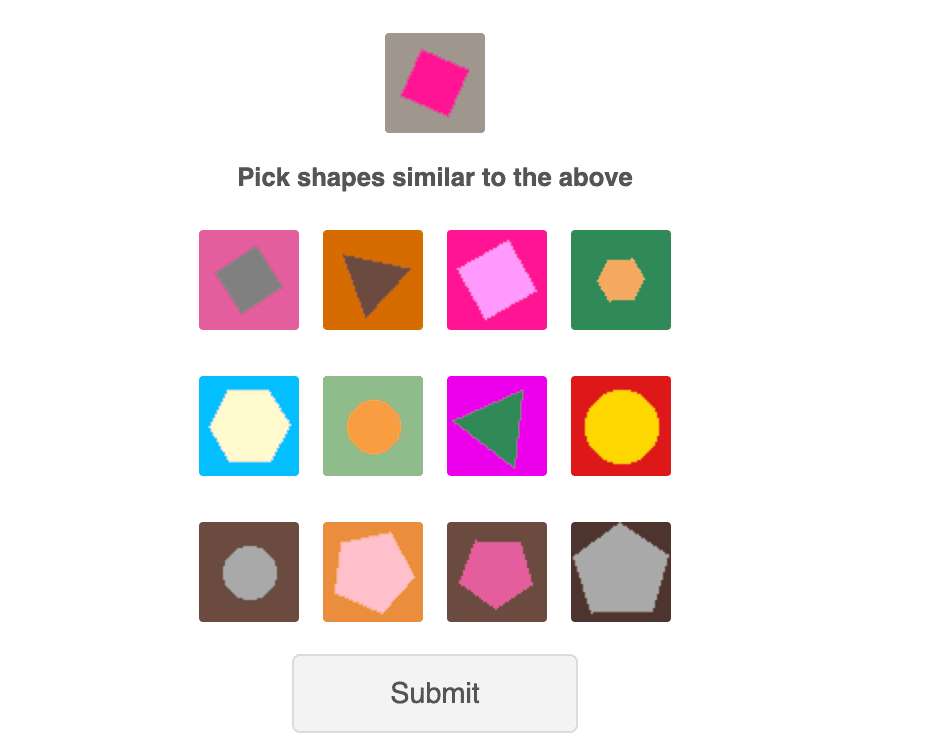
Before you can download anything on a free account, you’ll likely hit a visual captcha like this one. It’s simple, but you’ll see it again and again.
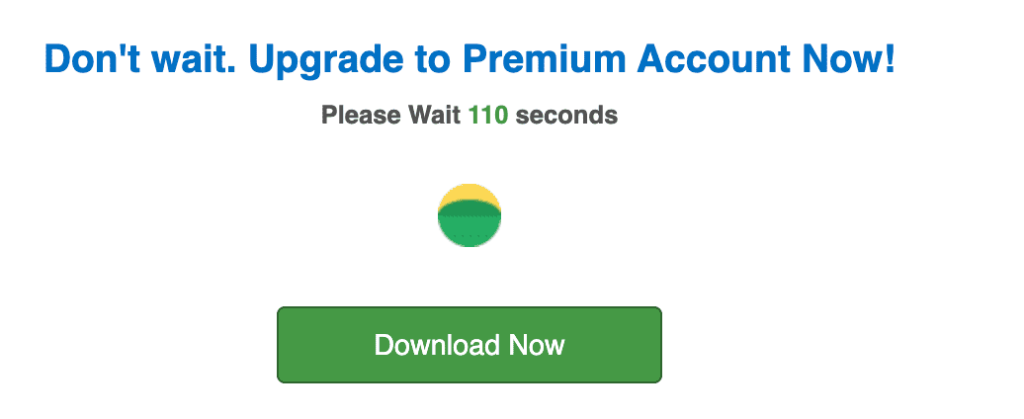
Then comes the countdown. Free users wait up to 120 seconds before the download button even unlocks.
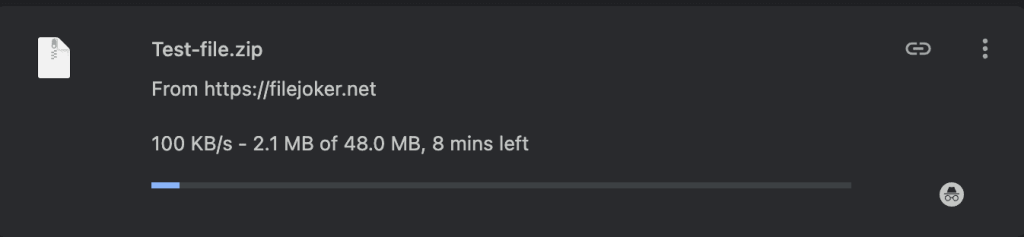
And once the file starts? We clocked a 48 MB test file at around 100 KB/s — just over 8 minutes for a file that should take seconds.
What Changes the Moment You Go Premium
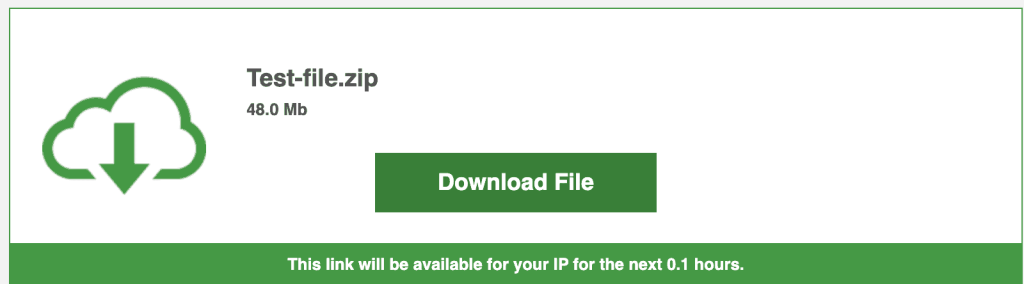
No captcha. No countdown. Click the link, and the download page loads straight to the file.
Real Download Speed – What We Actually Measured
Here’s the part most reviews get wrong. We’ve seen other sites quote “50–104 MB/s” for FileJoker Premium. We wanted to know if that holds up, so we tested it three ways.
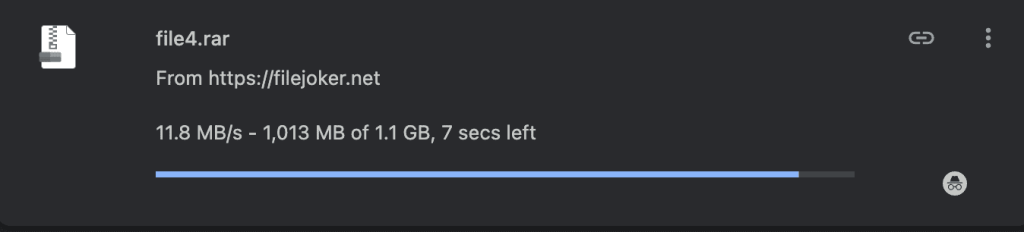
Test 1: One file, one connection. A single Premium download in Chrome ran at a steady 11.8 MB/s. Fast — about 100 times quicker than the free test above — but clearly capped per connection, not maxing out our 500 Mbps line.
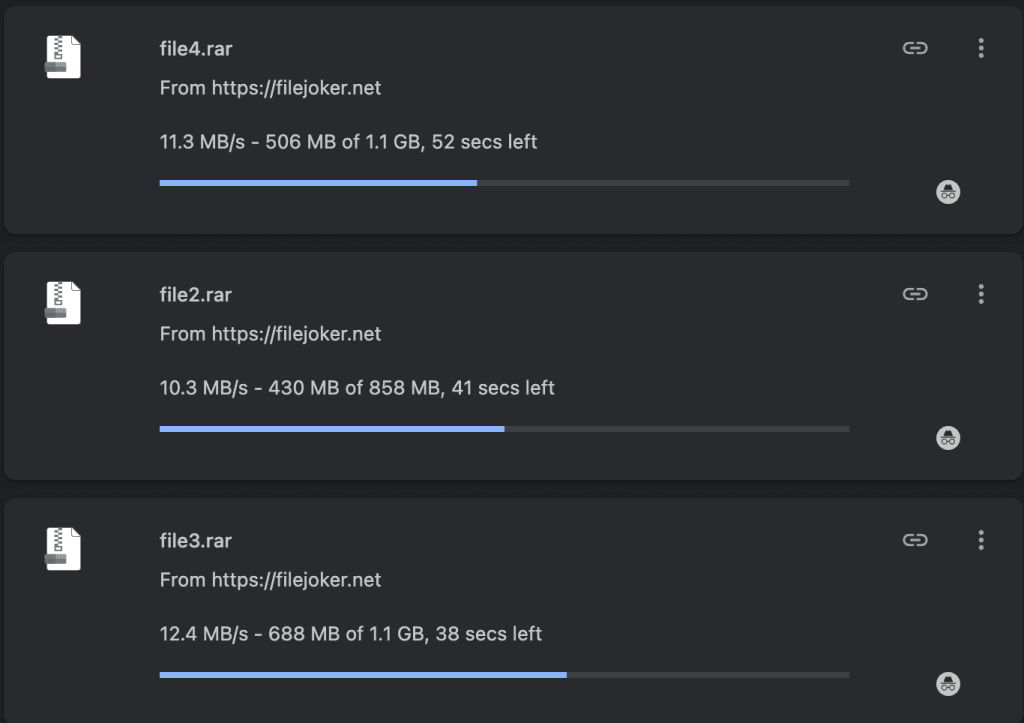
Test 2: Three files at once in Chrome. Since Premium allows unlimited simultaneous downloads, we queued three files together. Each one still ran at 10–12 MB/s individually, but combined, that’s over 30 MB/s of total throughput from a single browser.
Test 3: Three files in JDownloader. This is where Premium really shows its value. JDownloader handled the same three-file batch with auto-resume support, and we watched the average speed land at 37.26 MiB/s, peaking at 38.16 MiB/s.

What this means for you: a single download tops out around 12 MB/s no matter how fast your internet is. But Premium’s unlimited parallel downloads let you stack multiple files and multiply your effective speed. On a connection faster than ours, adding a fourth or fifth parallel download should push the total even higher.
What FileJoker Premium Actually Gives You
- No waiting, no captcha. Click, and the download starts.
- Resume broken downloads. Perfect for large multi-part RAR archives — if your connection drops, you pick up where you left off instead of starting over.
- Full JDownloader and IDM support. Queue multiple links, run them in parallel, and let the app handle retries automatically.
- Unlimited storage, compared to 50 GB on free.
- Traffic allowance: 60 GB every 5 days on standard Premium, or 300 GB every 5 days on Premium VIP.
- Simultaneous downloads with no cap — this is the real engine behind those 37 MB/s results above.
Who Should Pick Which Plan?
Scenario 1 – A 20-part RAR archive, 50 GB total. Free: nearly impossible. No resume, constant captchas, painfully slow. Premium with JDownloader: loaded all links at once, finished in about 25–30 minutes based on our 37 MB/s average.
Scenario 2 – Occasional small files, under 200 MB. Free works here. It’s annoying, but usable. Premium would be overkill for this alone.
Scenario 3 – Heavy daily downloading, 12+ GB per day. Standard Premium’s 60 GB per 5 days averages to 12 GB/day. If you regularly go over that, step up to VIP’s 300 GB per 5 days.
Frequently Asked Questions
Does FileJoker Premium work with JDownloader 2?
Yes. We tested it ourselves — no captcha, resume works, and you can queue multiple links at once. See our screenshot above.
What’s the real difference between Premium and Premium VIP?
Just traffic. VIP gives you 300 GB every 5 days instead of 60 GB. Speed and features are otherwise identical.
Can I resume a broken download?
Yes, both in-browser and in download managers like JDownloader or IDM.
Is FileJoker safe?
Files get scanned on upload, but always run your own antivirus check on downloaded archives, especially executable files.
How does the traffic limit reset?
Every 5 days from your purchase date. Unused traffic doesn’t roll over, so plan your big downloads accordingly.
Ready to Skip the Wait?
We tested it so you don’t have to guess. Full speed, resume support, and real JDownloader compatibility — this is what a download should feel like.
Some links on this page are affiliate links.