
FileJoker Free vs Premium – Which One Fits You?
Not sure if upgrading is worth it? Here’s a side-by-side look, backed by our own tests, plus a few real scenarios to help you decide.
The Waiting Game
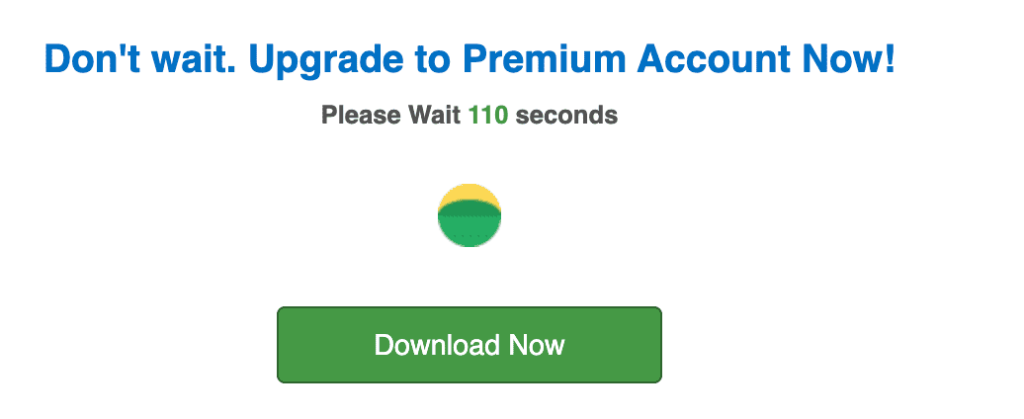
Free accounts make you wait before every download starts. Premium skips this completely.
The Speed Difference
We tested both tiers on the same 500 Mbps connection. Free capped out around 100 KB/s for a small test file.
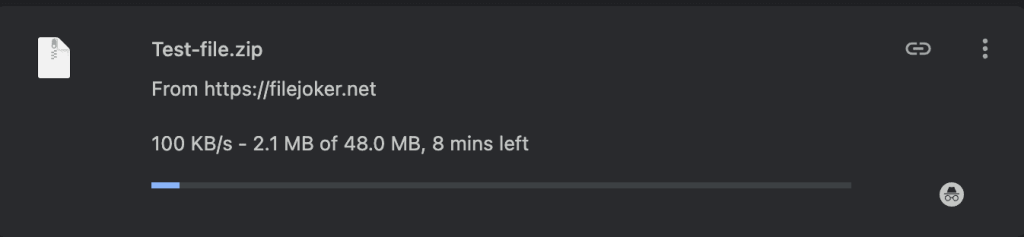
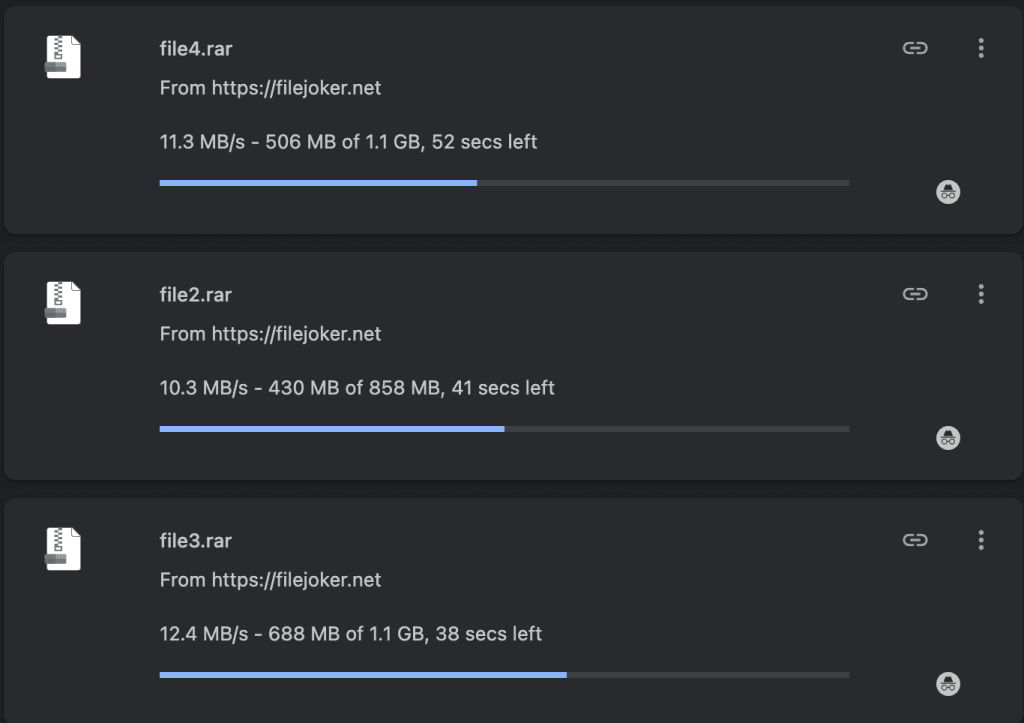
Premium ran roughly 100 times faster per file, and since it allows unlimited simultaneous downloads, running several files at once pushed our combined speed even higher — over 30 MB/s across three downloads in Chrome alone.
Full Comparison Table
| Feature | Free User | Premium | Premium VIP |
|---|---|---|---|
| Download speed | ~100 KB/s, capped | ~12 MB/s per file, 37 MB/s+ with 3 parallel | Same as Premium |
| Waiting time | 90–120 seconds | None | None |
| Captcha | Every download | None | None |
| Resume downloads | No | Yes | Yes |
| JDownloader / IDM support | Not supported | Full support | Full support |
| Storage | 50 GB | Unlimited | Unlimited |
| Traffic per 5 days | Very low (~2 GB) | 60 GB | 300 GB |
| Ads | Yes | No | No |
Real Scenarios
Scenario 1: A 20-part RAR archive, 45 GB total.
Free: each part crawls along, no resume, a captcha every time. Could take days and still fail partway through.
Premium: load everything into JDownloader at once. Based on our tests, this finishes in under 30 minutes.
Scenario 2: Downloading 10 GB a day.
Premium’s 60 GB every 5 days works out to 12 GB a day — just enough. If you regularly go higher, VIP’s 300 GB every 5 days (60 GB/day) gives you much more breathing room.
Scenario 3: A few small PDFs or MP3s a week, under 200 MB each.
Free is slow but fine here. Premium would be more than you need — save your money for when file sizes grow.
So, Should You Upgrade?
Upgrade to Premium if: you download large files often, use a download manager, can’t stand captchas and timers, or need more than 50 GB of storage.
Stick with free if: you only grab small files occasionally and don’t mind the extra wait.
Want the full picture, including every speed test screenshot we took? Check out our complete review. Ready to pick a plan and look at pricing? We’ve laid out every option, plus an active promo code for bonus days.
→ Read the full review
→ Compare pricing plans
Some links on this page are affiliate links.